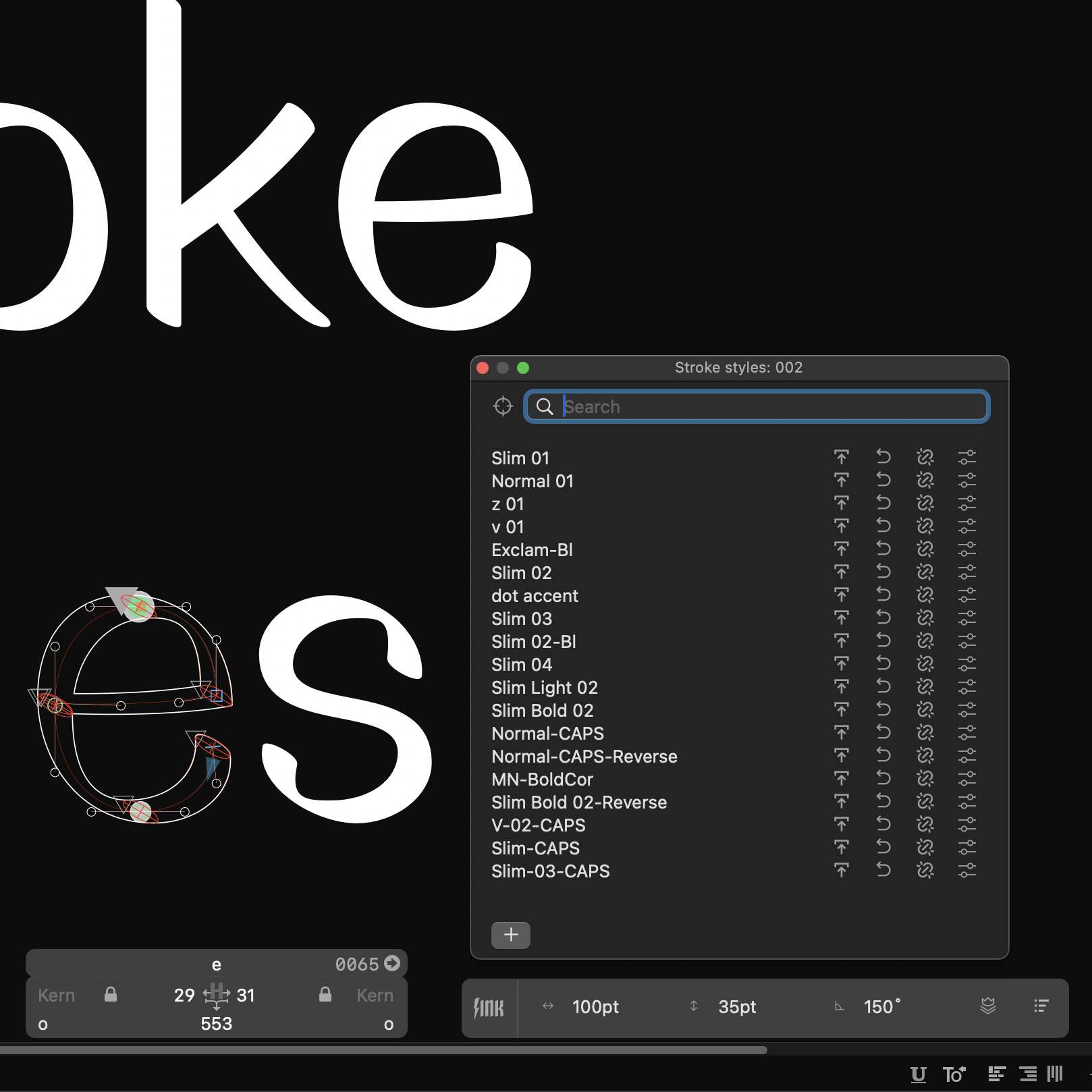
Several issues passed away since the initial release. Update both Glyphs and LTTR/INK to clear them up.
Content
- What improvements you can expect
- How to get the updates
- We are hiring 🤩
What Improvements You Can Expect
**As soon as you update to Glyphs 3.0.3 and LTTR/INK 1.0.9 or newer, you can enjoy these improvements: **
- The Glyphs’ native Measurement tool now recognizes LTTR/INK outlines.
- The LTTR/INK's bottom panel no longer disappears when you press Cmd[+Shift]+Z to undo/redo.
- Stroke is expanded even when you export the font.
- Outlines appear also in background layers.
How To Get The Updates
Follow these steps to get the updates:
- Update to Glyphs 3.0.3 directly in the app via Glyphs > Check for Updates.
- Download the latest version of LTTR/INK 1.0.9 through our download page.
- Install the LTTR/INK according to the instructions in the ReadMe.html file contained in downloaded package.
Should you spot any new issue, pleasereport itto us.
We Are Hiring
Join our team as a front-end, full-stack or back-end web developer. Check out the details of our fullyremote positions here.
Should you have additional questions feel free tocontact us.
So let it be written, so let it be done!