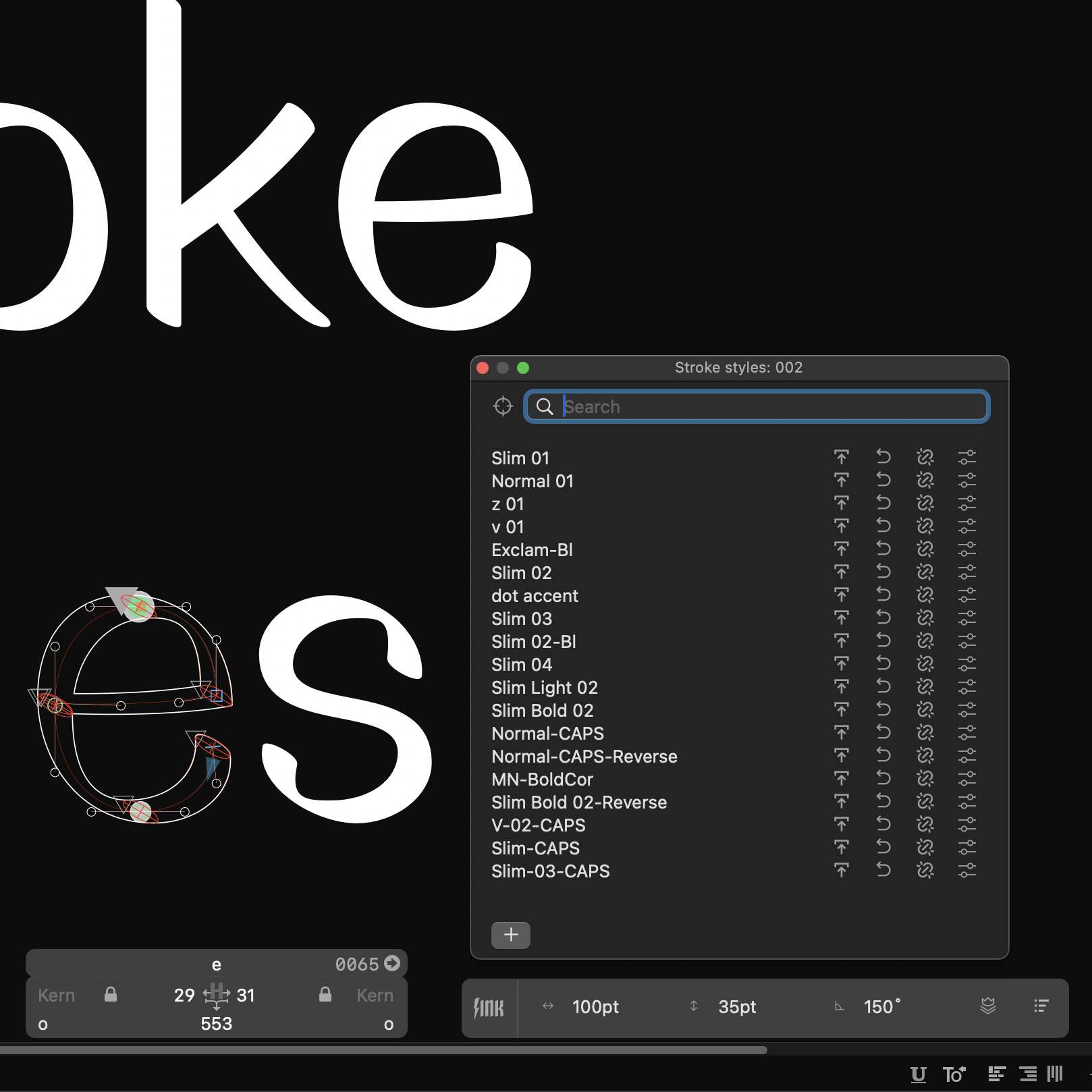
We have been working extensively to release Noodle stroke, Ellipsis view, and following updates for LTTR/INK plug-in for Glyphs. Update and help us with beta testing!
Content
- Pre-existing bugs handled 🐛
- New functionalities added
- Algorithm improvements
- How to update LTTR/INK for Glyphs
Pre-existing bugs handled
** These bugs have been eliminated in recent updates of LTTR/INK & Glyphs:**
Outlines are now correct. They are no longer double-applied in some scenarios.
Upgrade to Glyphs 3.0.4 (3100) or newer directly in the app via Glyphs > Check for Updates. You might need to enable Cutting Edge versions until stable version of Glyphs 3.0.4 is released.
Glyphs shall not crash while exporting a font with LTTR/INK enabled.
Upgrade to LTTR/INK 1.0 (12) Beta release or newerthrough our download page.
New functionalities added
** With LTTR/INK update, you will get two major functionalities to step up your type game:**
Noodle Stroke
Noodle stroke represents a mode where the brush (Nib) keeps its relative rotation to stroke direction (Path).
In the well-known Brush stroke mode, the brush keeps its rotation when curve handles are moved. Brush rotation on the curve is independent from rotation of the curve itself as you can see below.
.png)

In the newly added Noodle stroke 🍜 mode, the brush follows the direction of the path when curve handles are moved. Relative brush rotation is preserved at each point on the curve as you can see below.


Ellipsis View
The ellipsis view displays a user-friendly control ellipsis to edit brush dimensions and rotation.
Brush manipulation could not be easier! With ellipses view you can control the width, the height and angle of the brush in just one click. Look at this example of ellipsis view in red within brush nodes.
(1)(1).png)
Alagorithm improvements
** Last, but not least, the LTTR/INK algorithm has also improved significantly:**
- Improved accuracy on corners and endings (corks), especially on flat endings
- Handled a variety of edge cases, e.g. singular points, zero brush thickness
- Speeded up the algorithm by 30%
How to update LTTR/INK for Glyphs
Eager to enjoy these improvements? Follow these steps to get a Beta version:
- Go to our download page.
- Enter your e-mail address to get a download link.
- Click on the link and search for a Non-production versions section.
- Click on the Download Beta version.
- Follow the steps in our newly released tutorials to install the LTTR/INK plug-in.
Should you spot any issues in Beta release, pleasereport them according to this page.
.png)
If you have any questions or feedback on updates, feel free tocontact us here.
So let it be written, so let it be done! ✍️